
Bible Movie Masterclass

You Have the Pack.
Now Make the Movie.

The step-by-step video tutorial that shows content creators, churches, and Sunday school teachers exactly how to turn any Bible Animation Pack into a finished, professional-quality Bible movie — even if you've never edited a video before.

One-time payment · Instant access · Works with CapCut, iMovie, DaVinci & Premiere

BibleAnimationStudios — Exodus Pack Edit
00:03:24 / 00:18:00
Baby Moses — The Nile
✦ Color Grade
Clips
Baby Moses — The Nile
Cross Dissolve
Ten Plagues — Egypt
Flash Cut
Pharaoh's Court
Wipe Right
Parting the Red Sea
Fade to White
00:03:24
Transition: Cross Dissolve
Baby Moses — The Nile
C2
C3
C4
FX
Color Grade
Dramatic Vignette
Cinematic Bars
Epic Slow-Mo

This is what you'll be able to create — start to finish — by the end of Module 03.

🎬Works with CapCut, iMovie, DaVinci & Premiere
Instant access after purchase
✝️Built for creators, churches & Sunday schools
♾️Lifetime access — watch any time
What You'll Be Working With

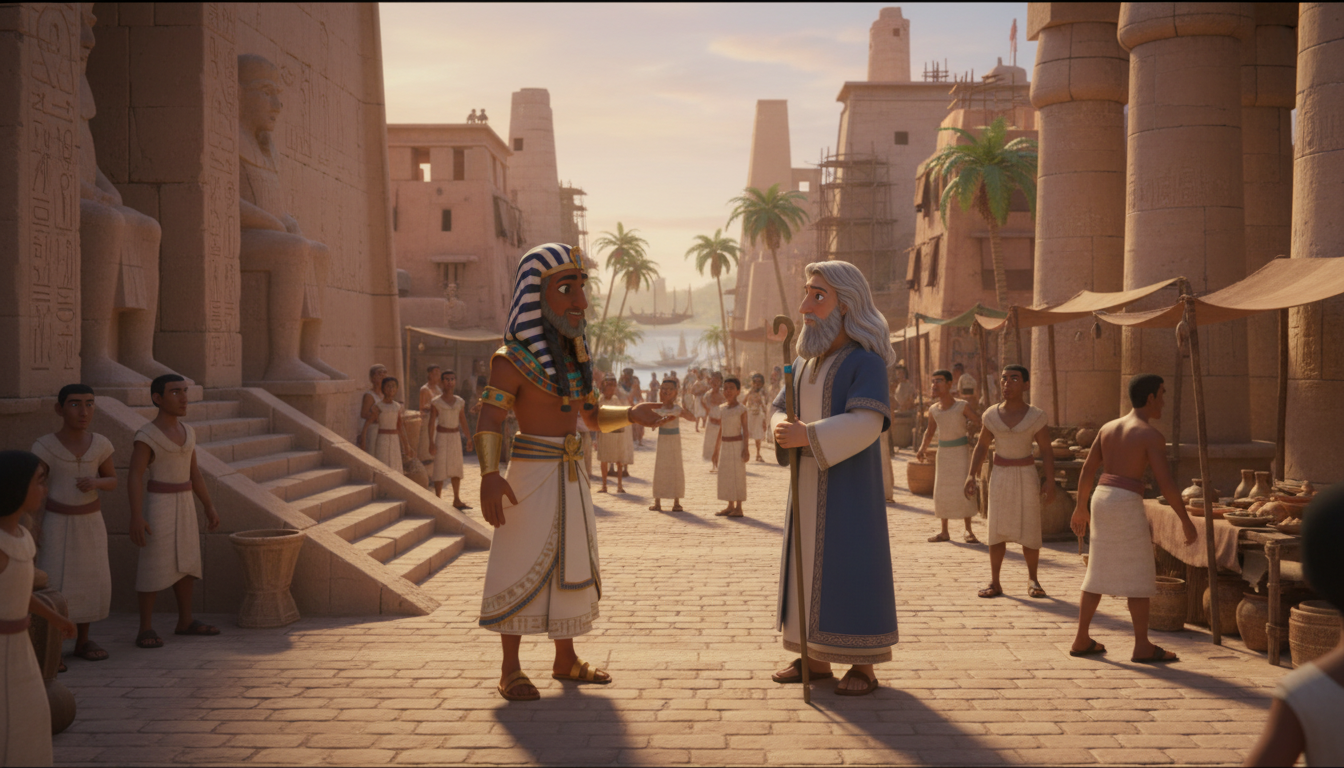
Cinematic Scenes.
Ready to Edit.

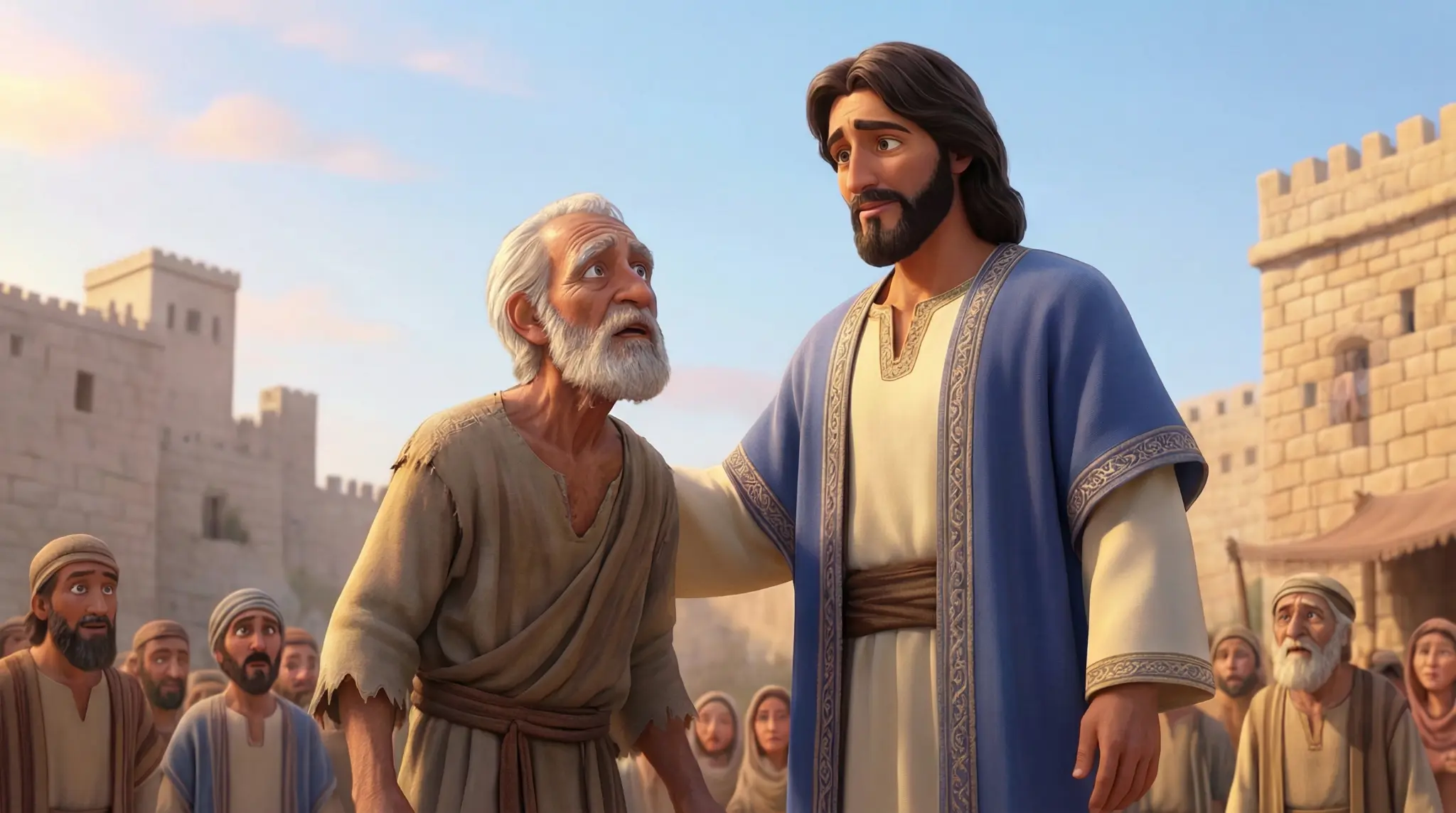
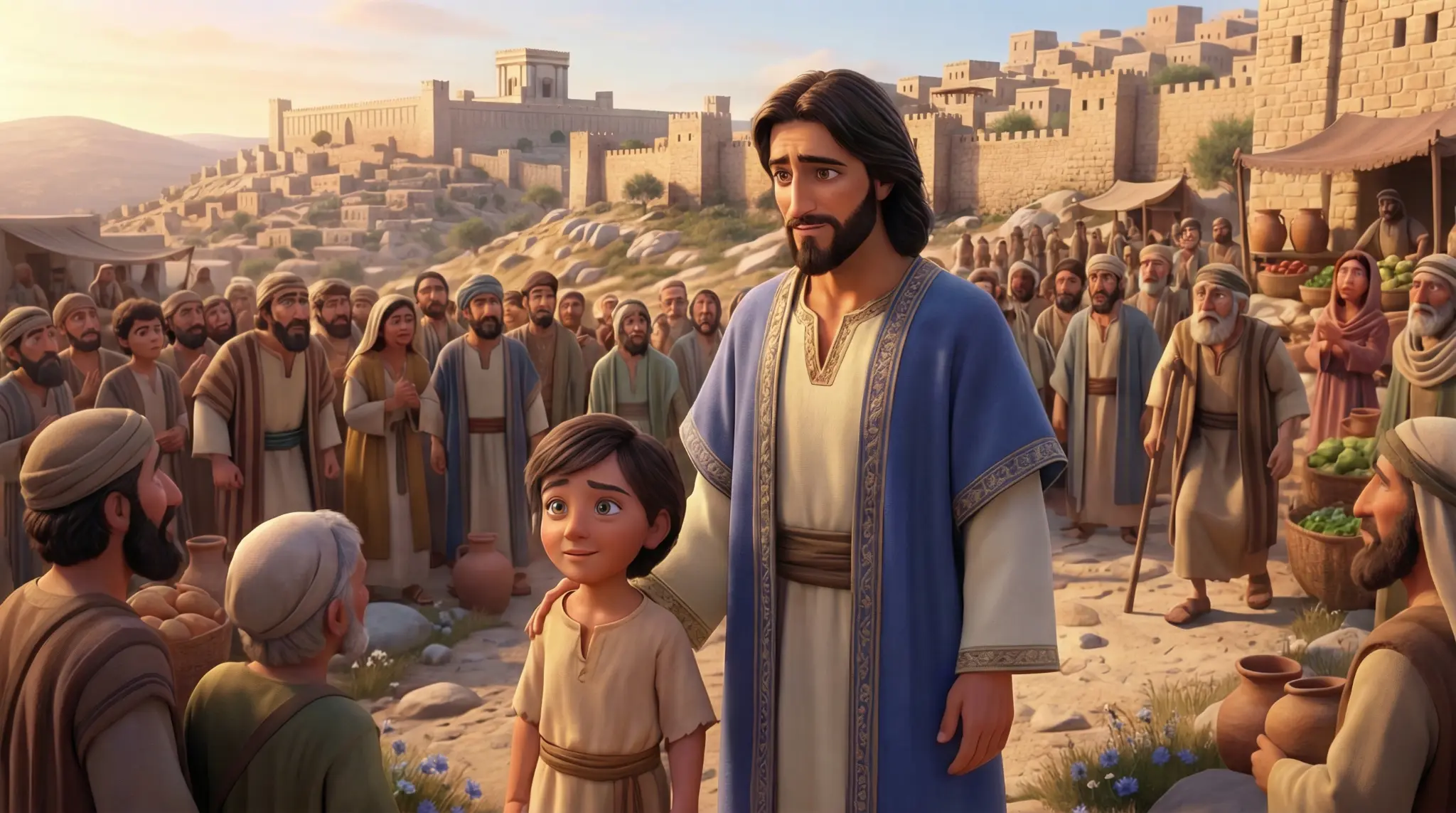
Every scene in the Exodus, Gospels, and David packs — yours to edit, animate, and publish.

Parting of the Red Sea
Exodus Pack
Parting of the Red Sea
Cinematic Frame
Exodus Pack
Cinematic Frame
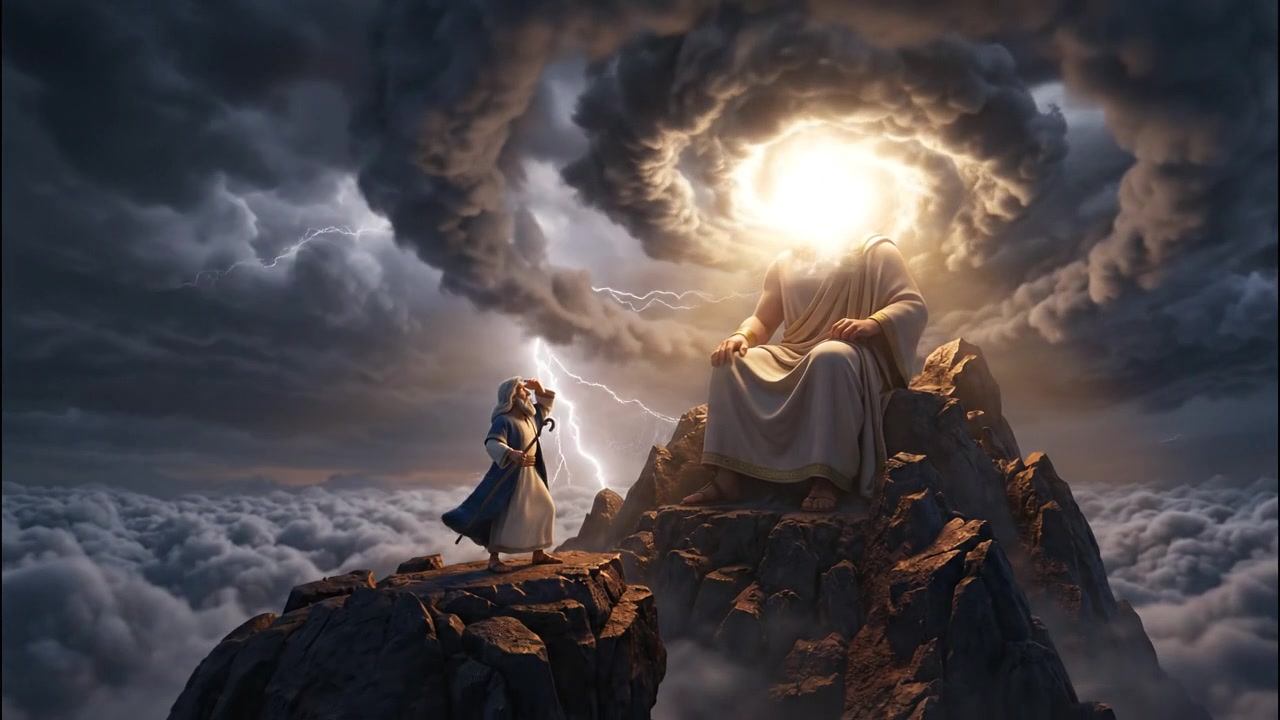
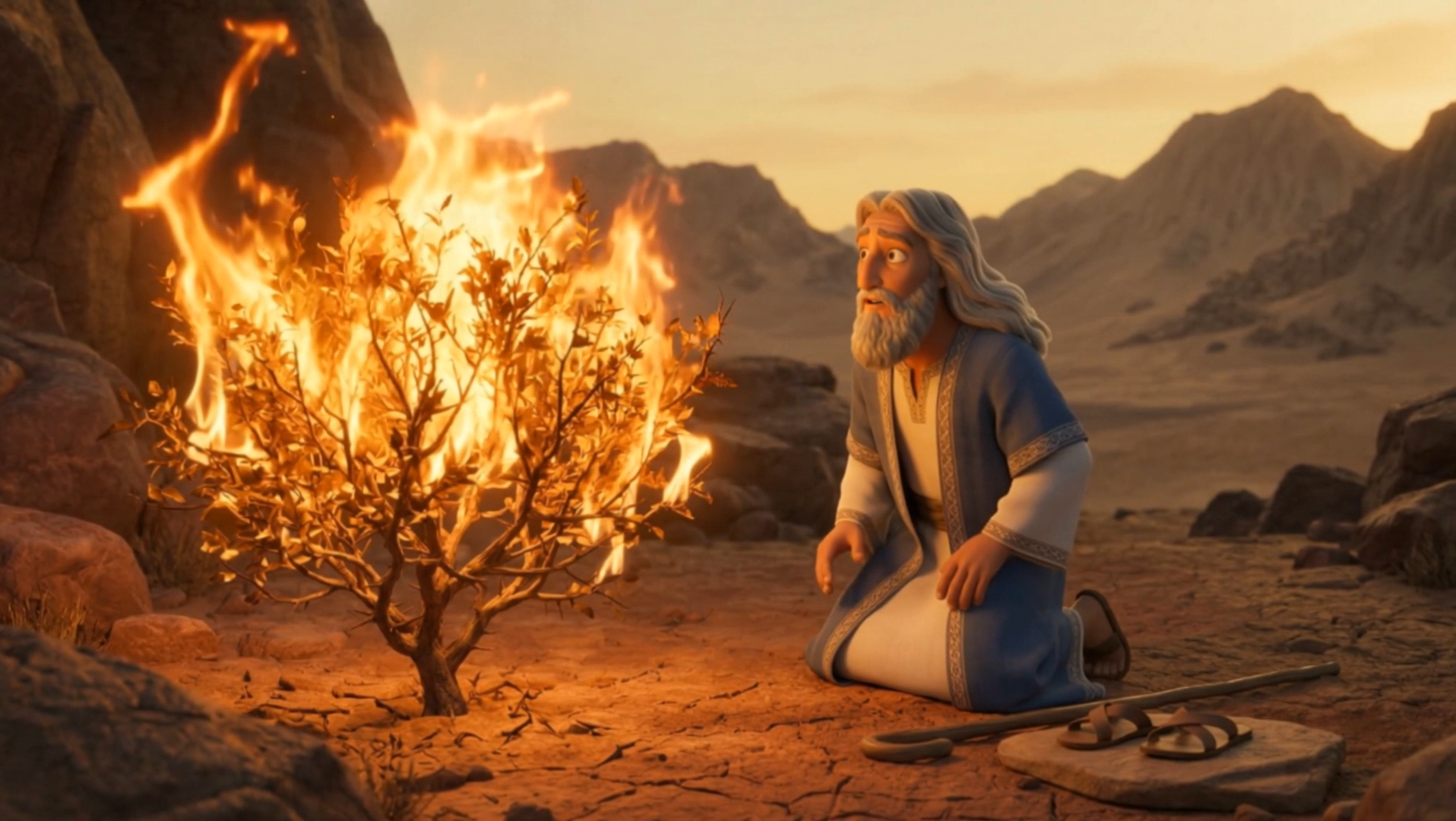
The Burning Bush
Exodus Pack
The Burning Bush
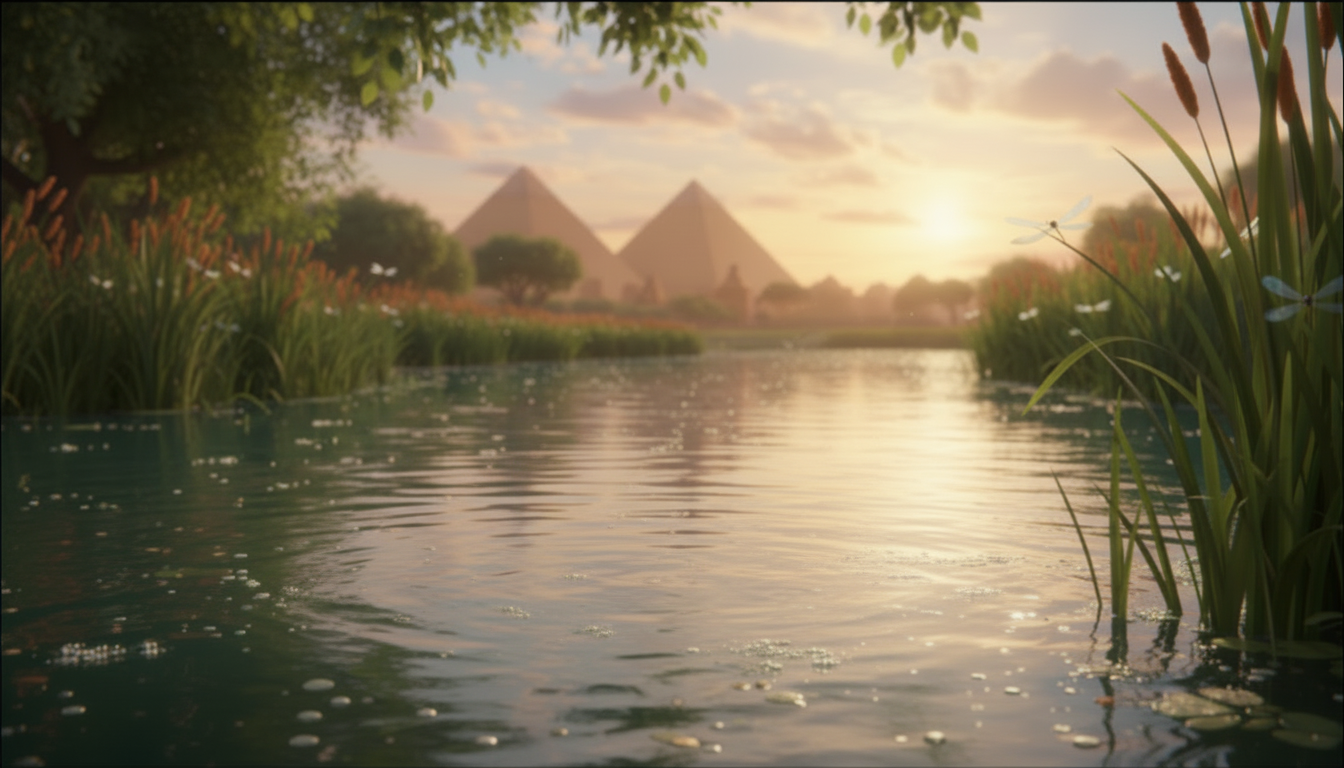
Baby Moses
Exodus Pack
Baby Moses
Cinematic Frame
Exodus Pack
Cinematic Frame
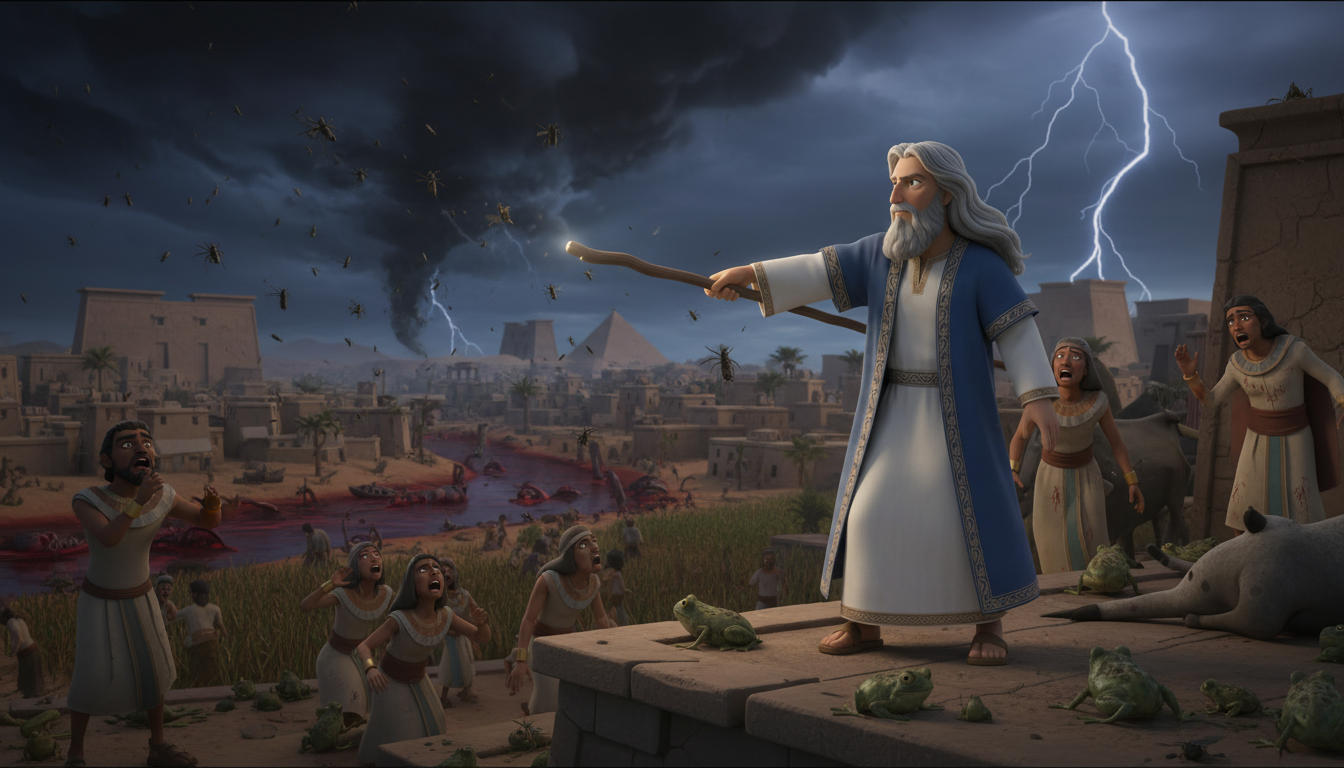
The Ten Plagues
Exodus Pack
The Ten Plagues
Cinematic Frame
Exodus Pack
Cinematic Frame
Pharaoh's Court
Exodus Pack
Pharaoh's Court
The Nativity
Gospels Pack
The Nativity
Baptism of Jesus
Gospels Pack
Baptism of Jesus
Parting of the Red Sea
Exodus Pack
Parting of the Red Sea
Cinematic Frame
Exodus Pack
Cinematic Frame
The Burning Bush
Exodus Pack
The Burning Bush
Baby Moses
Exodus Pack
Baby Moses
Cinematic Frame
Exodus Pack
Cinematic Frame
The Ten Plagues
Exodus Pack
The Ten Plagues
Cinematic Frame
Exodus Pack
Cinematic Frame
Pharaoh's Court
Exodus Pack
Pharaoh's Court
The Nativity
Gospels Pack
The Nativity
Baptism of Jesus
Gospels Pack
Baptism of Jesus
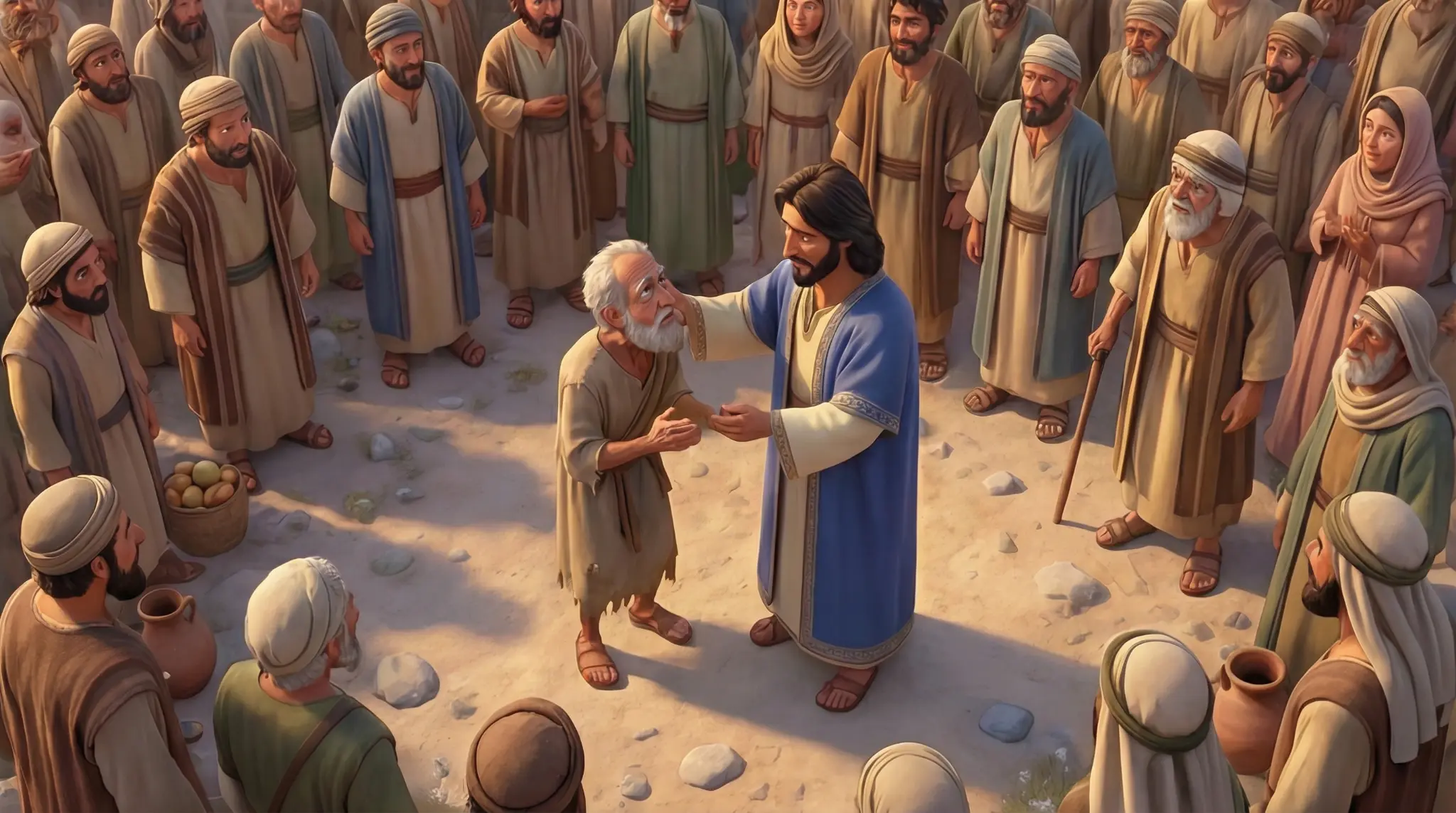
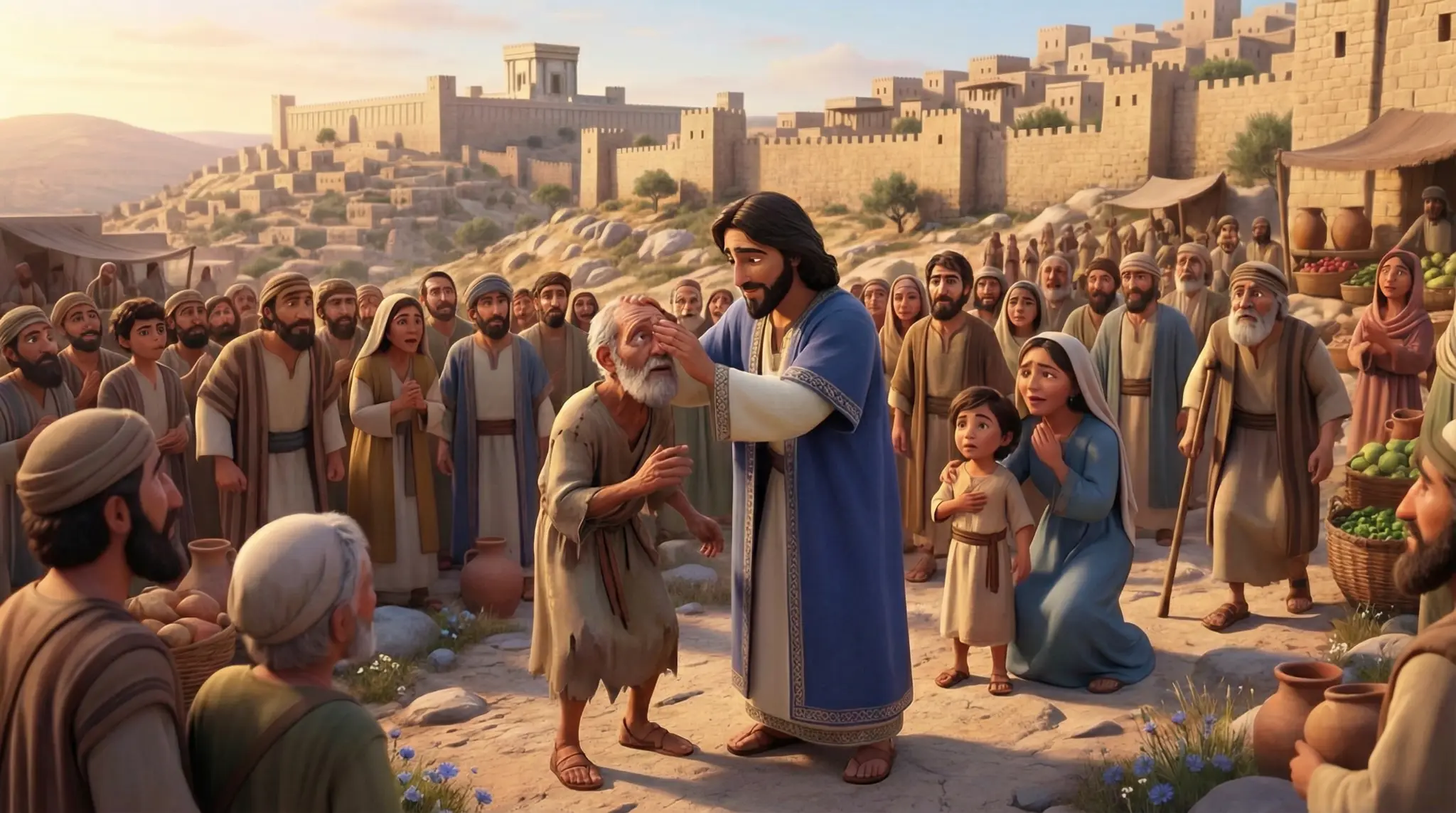
Miracles of Jesus
Gospels Pack
Miracles of Jesus
Sermon on the Mount
Gospels Pack
Sermon on the Mount
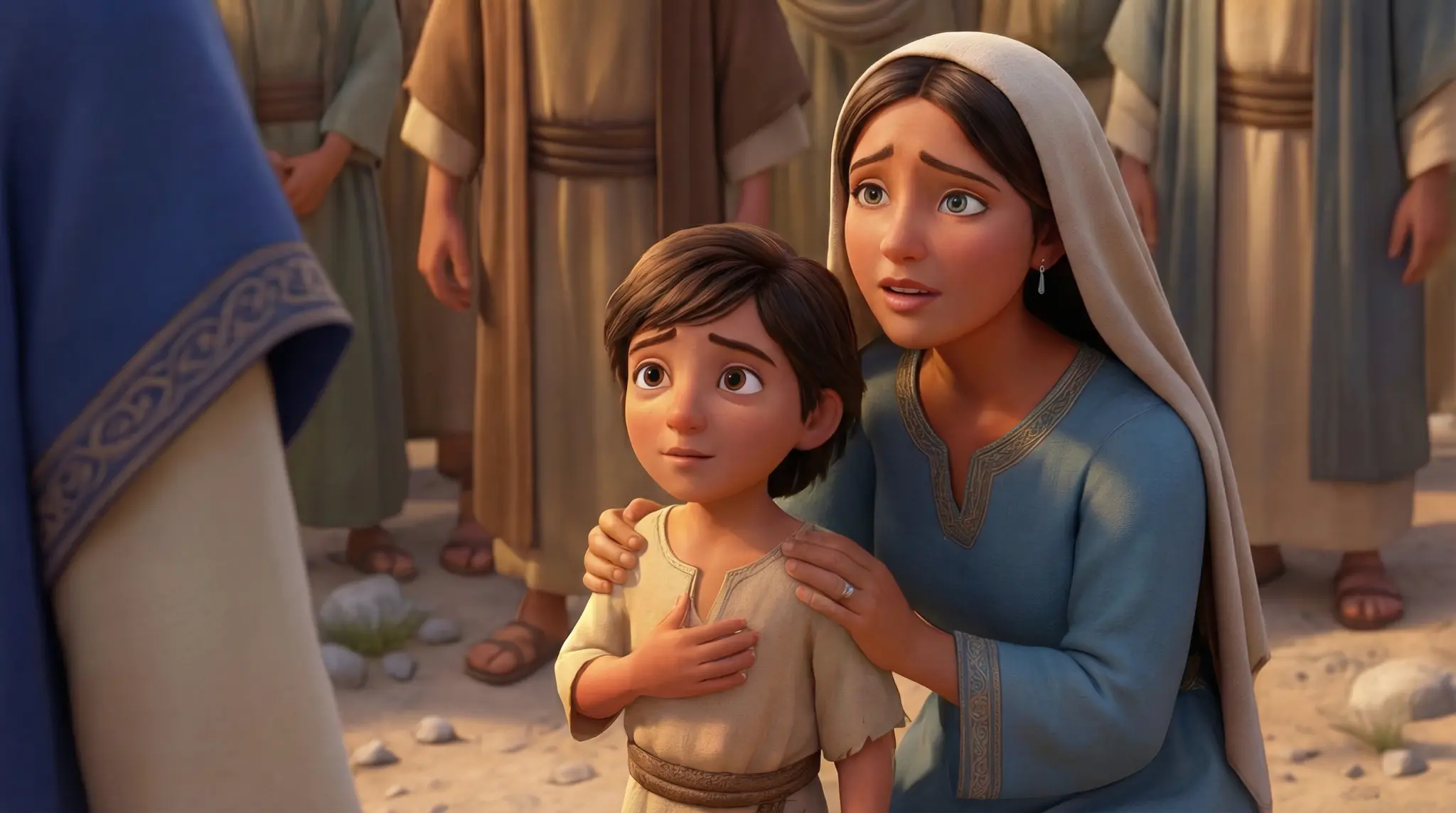
Cinematic Frame
Gospels Pack
Cinematic Frame
Cinematic Frame
Gospels Pack
Cinematic Frame
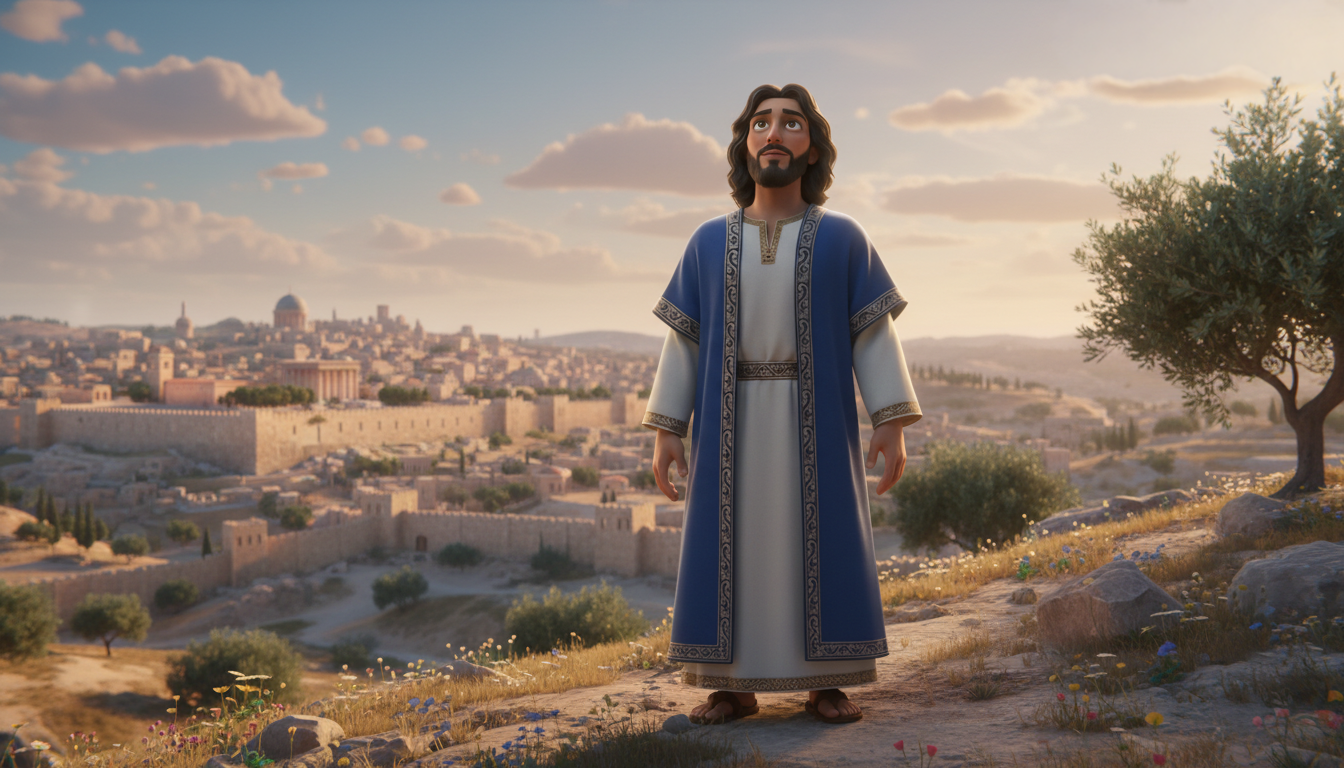
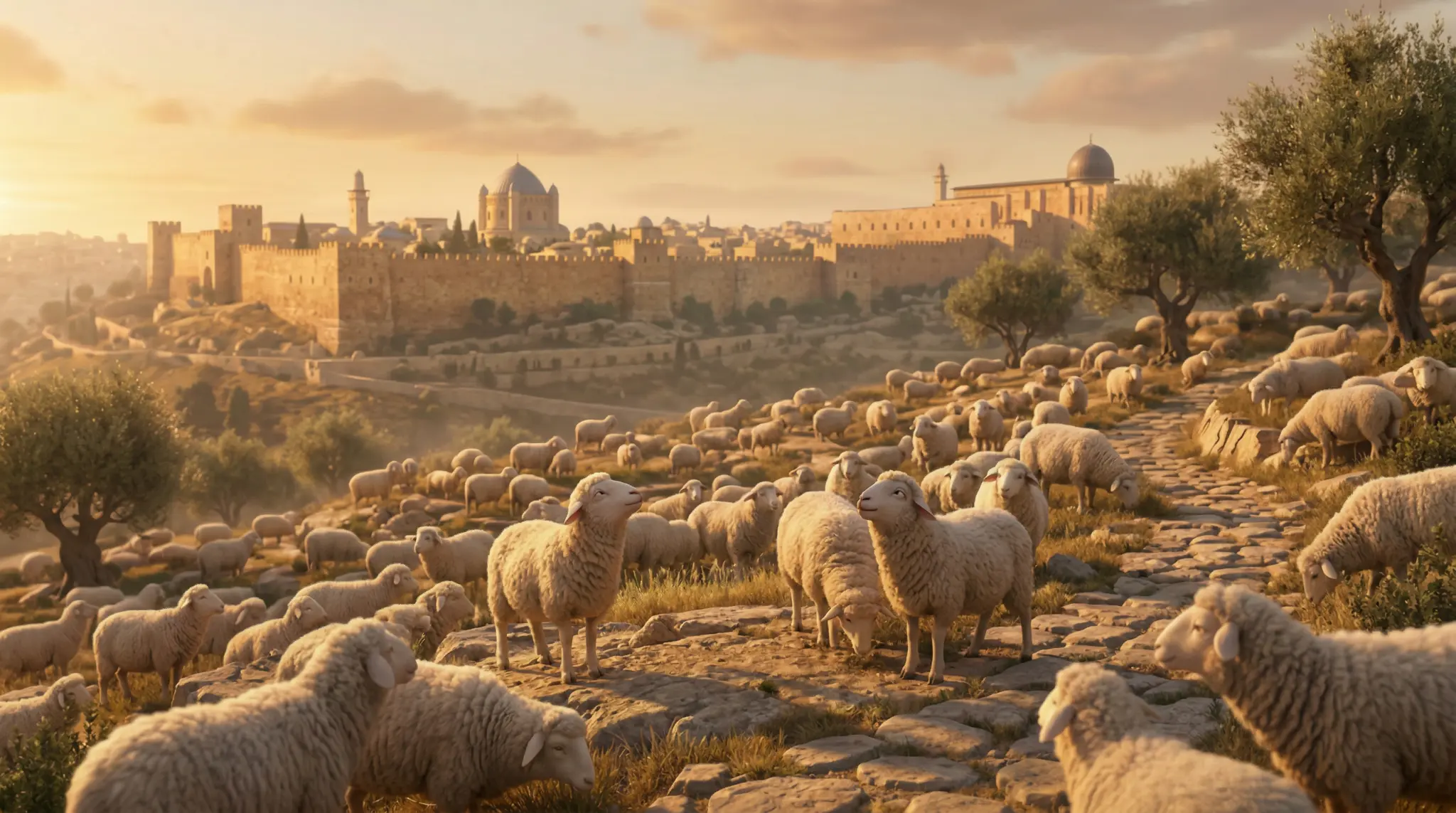
Shepherd Fields
David Pack
Shepherd Fields
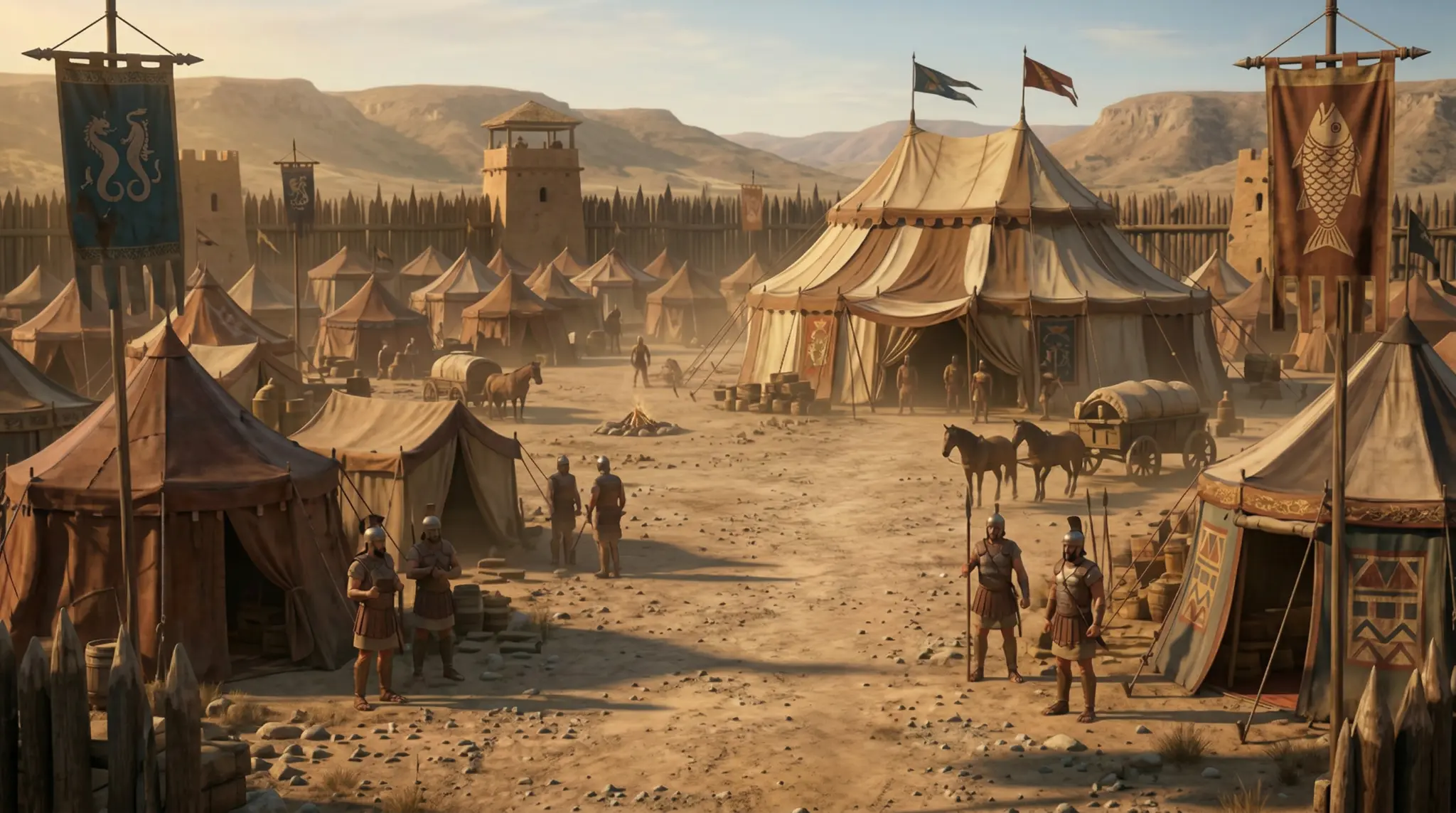
Philistine War Camp
David Pack
Philistine War Camp
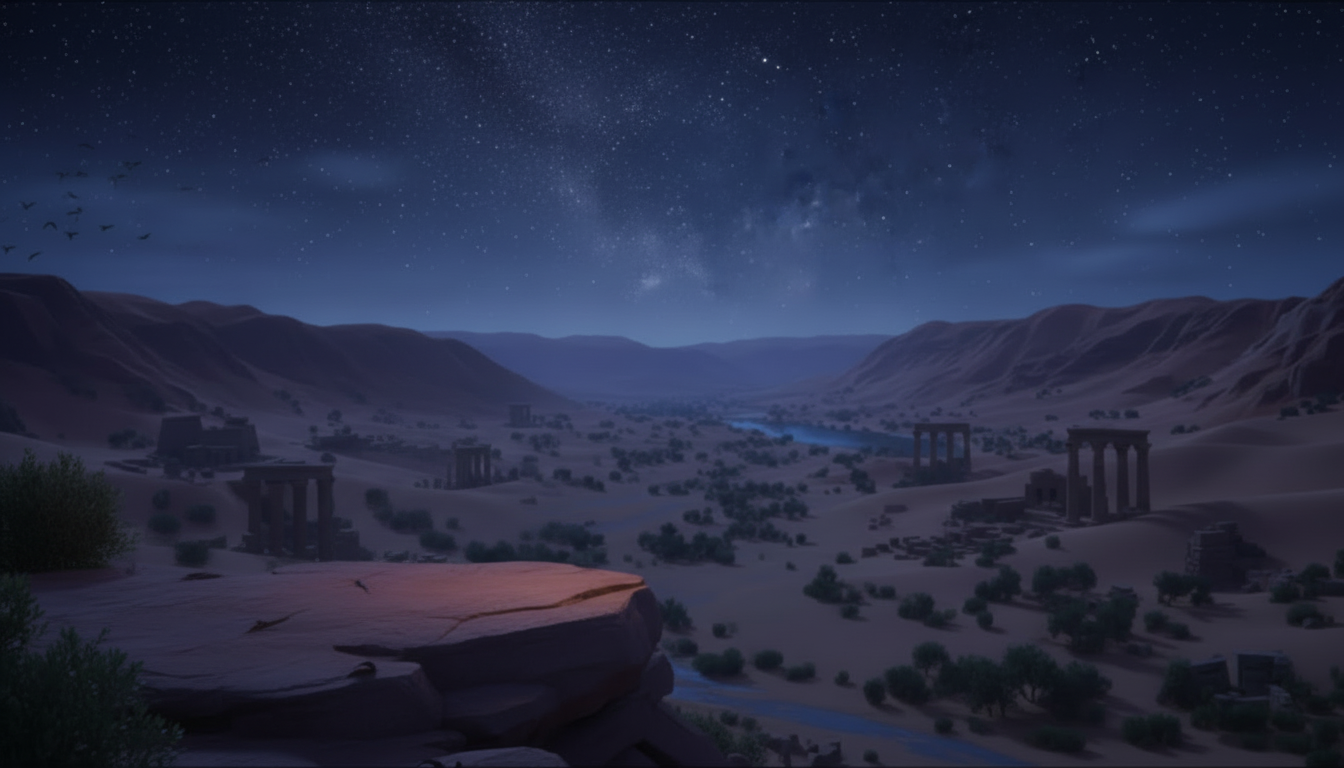
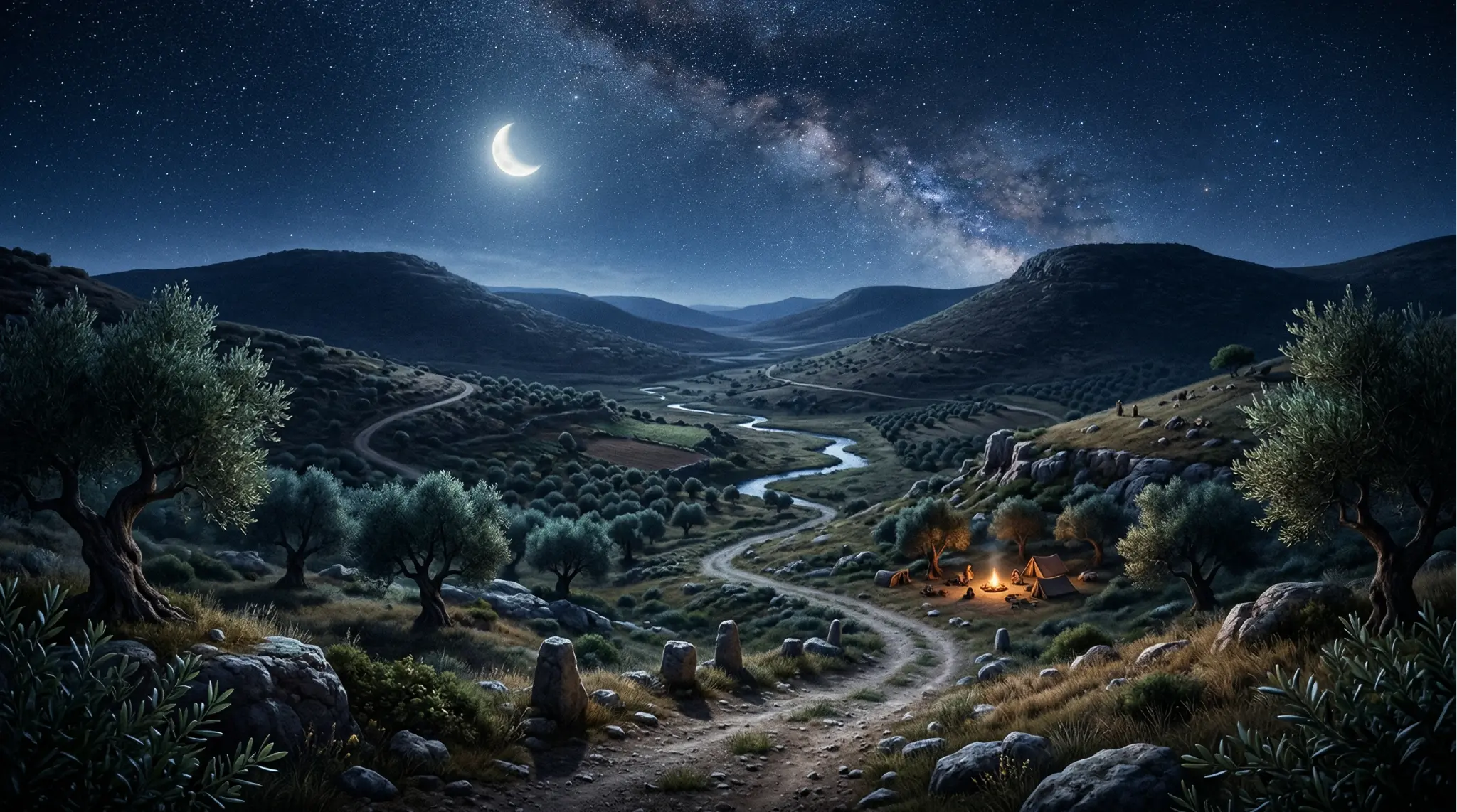
Night Valley
David Pack
Night Valley
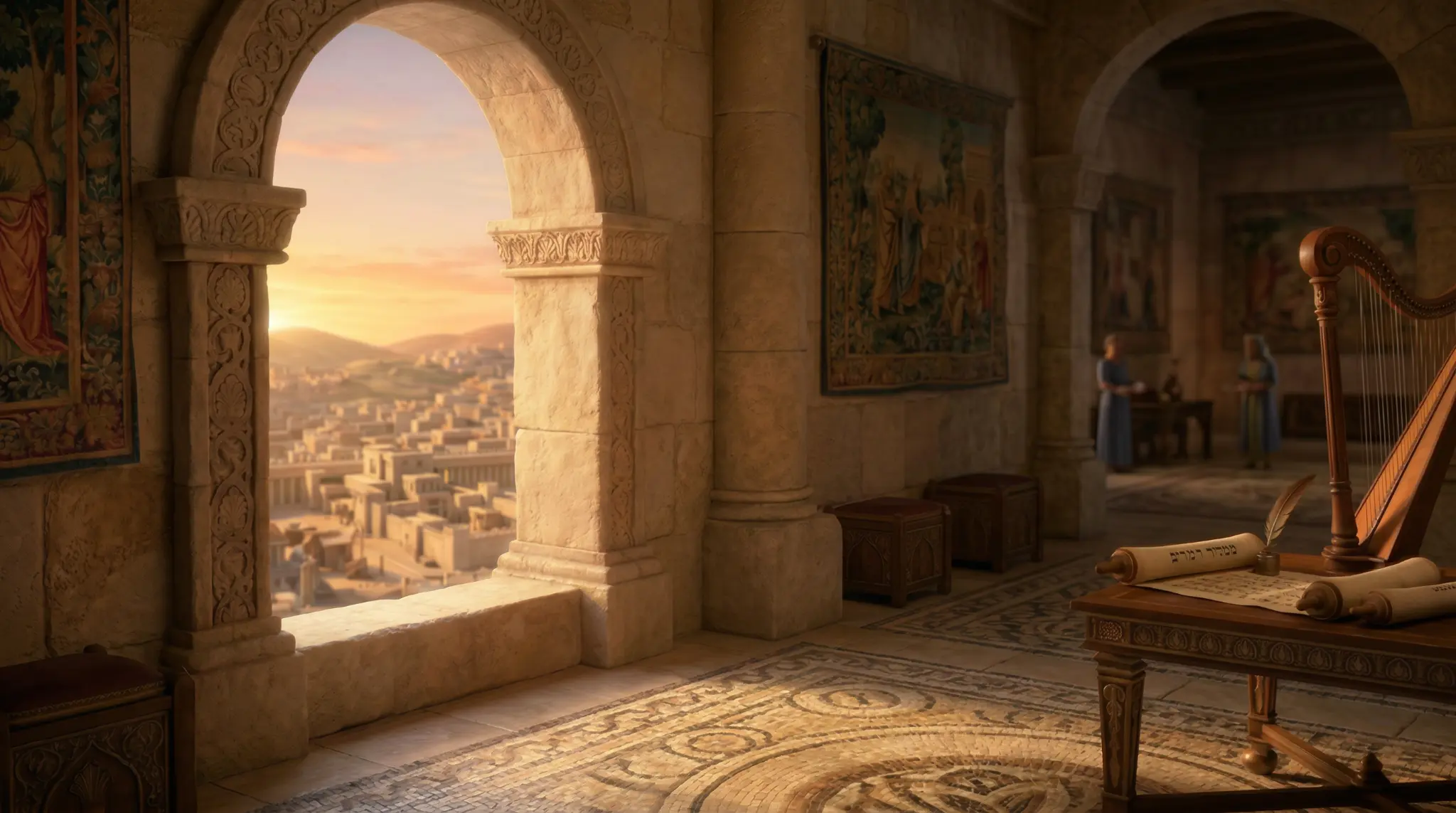
King's Palace
David Pack
King's Palace
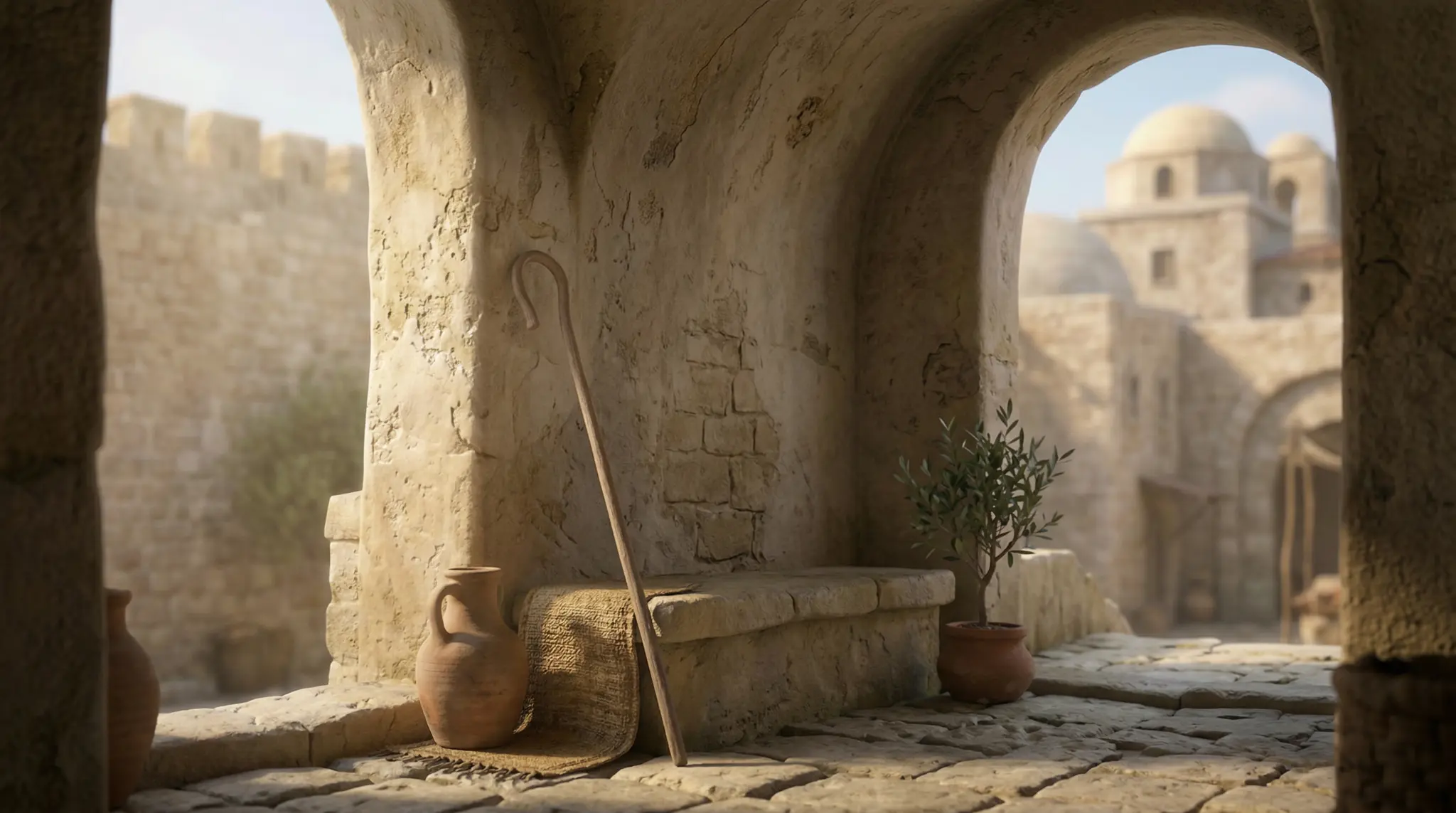
Stone Archway
David Pack
Stone Archway
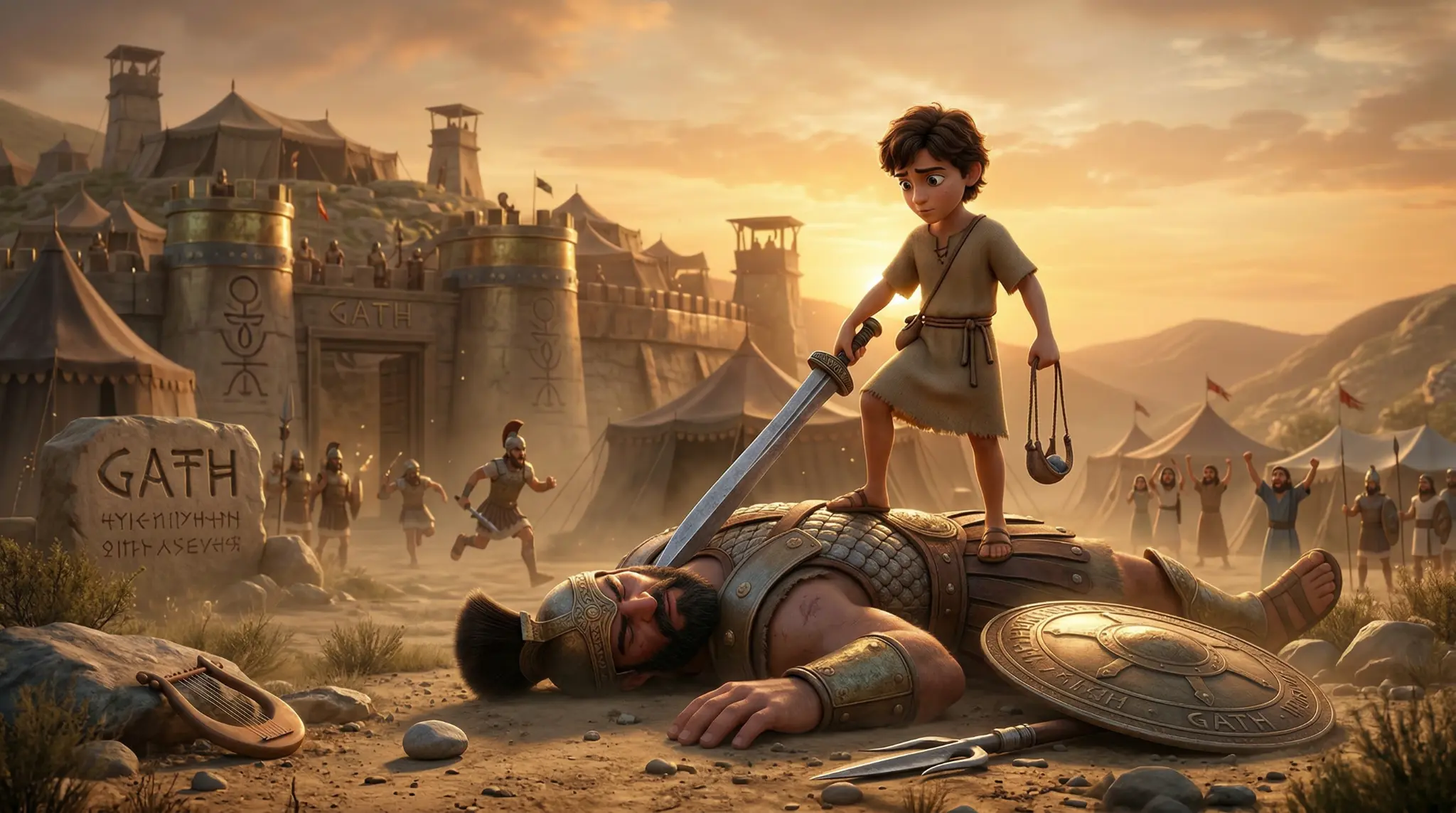
Victory Scene
David Pack
Victory Scene
Miracles of Jesus
Gospels Pack
Miracles of Jesus
Sermon on the Mount
Gospels Pack
Sermon on the Mount
Cinematic Frame
Gospels Pack
Cinematic Frame
Cinematic Frame
Gospels Pack
Cinematic Frame
Shepherd Fields
David Pack
Shepherd Fields
Philistine War Camp
David Pack
Philistine War Camp
Night Valley
David Pack
Night Valley
King's Palace
David Pack
King's Palace
Stone Archway
David Pack
Stone Archway
Victory Scene
David Pack
Victory Scene
Browse All Packs →
The Problem

The Pack Is Sitting on Your Hard Drive.
And You Don't Know Where to Start.

You bought the pack because you had a vision. But opening a video editor for the first time — with no guide — is the #1 reason great content never gets made.

You have the pack. You don't know what to do next.

Module 01 walks you through every file in the pack and exactly how to plan your video before you open your editor. No more staring at a folder wondering where to start.

You've never touched a video editor in your life.

We built this for complete beginners. Module 03 takes you from a blank timeline to a finished, professional-looking scene — step by step, click by click.

You only have CapCut or iMovie on your phone.

That's more than enough. The Masterclass covers CapCut, iMovie, DaVinci Resolve, and Premiere Pro. Whatever you have, we show you exactly where every button lives.

You don't know how to make it look professional.

There's a gap between 'I dropped the clip in' and 'this looks cinematic.' Module 04 closes that gap — pacing, transitions, motion, and the subtle details that separate amateur from broadcast quality.

What Creators Are Saying
"

I had the Exodus Pack sitting on my hard drive for two weeks. I had no idea where to start. The Masterclass had me editing my first scene within an hour. By Module 3 I had a finished video.

M
Marcus T.
YouTube Creator · 4,200 subscribers
"

Our church media team had zero video experience. We went through the Masterclass together on a Saturday morning. By Sunday we had a professional bumper video playing before the sermon.

D
Pastor David O.
Lead Pastor · Community Church
"

I teach Sunday school to 7-year-olds. I was terrified of video editing. The Masterclass made it so simple — I made my first animated Bible lesson in an afternoon. The kids were absolutely captivated.

S
Sarah K.
Sunday School Teacher
Who It's For

Built for Every
Bible Creator

📺

YouTube & Reel Creators

Build a consistent Bible channel with cinematic, professional-quality videos every week — without a production team.

Churches & Media Teams

Produce sermon bumpers, announcement videos, and worship backgrounds in-house. No agency. No budget. Just your pack and this course.

📚

Sunday School Teachers

Create animated Bible lessons that hold children's attention from the first frame to the last. Even on a phone.

✝️

Youth Ministers

Make Bible stories come alive for your youth group without a production budget or a tech team.

🌍

Missionaries & Evangelists

Create shareable Gospel content that travels further than you can go in person.

The Curriculum

7 Modules.
One Finished Bible Movie.

Each module is a focused video lesson. Watch at your own pace, rewatch as needed, and follow along in your own editor.
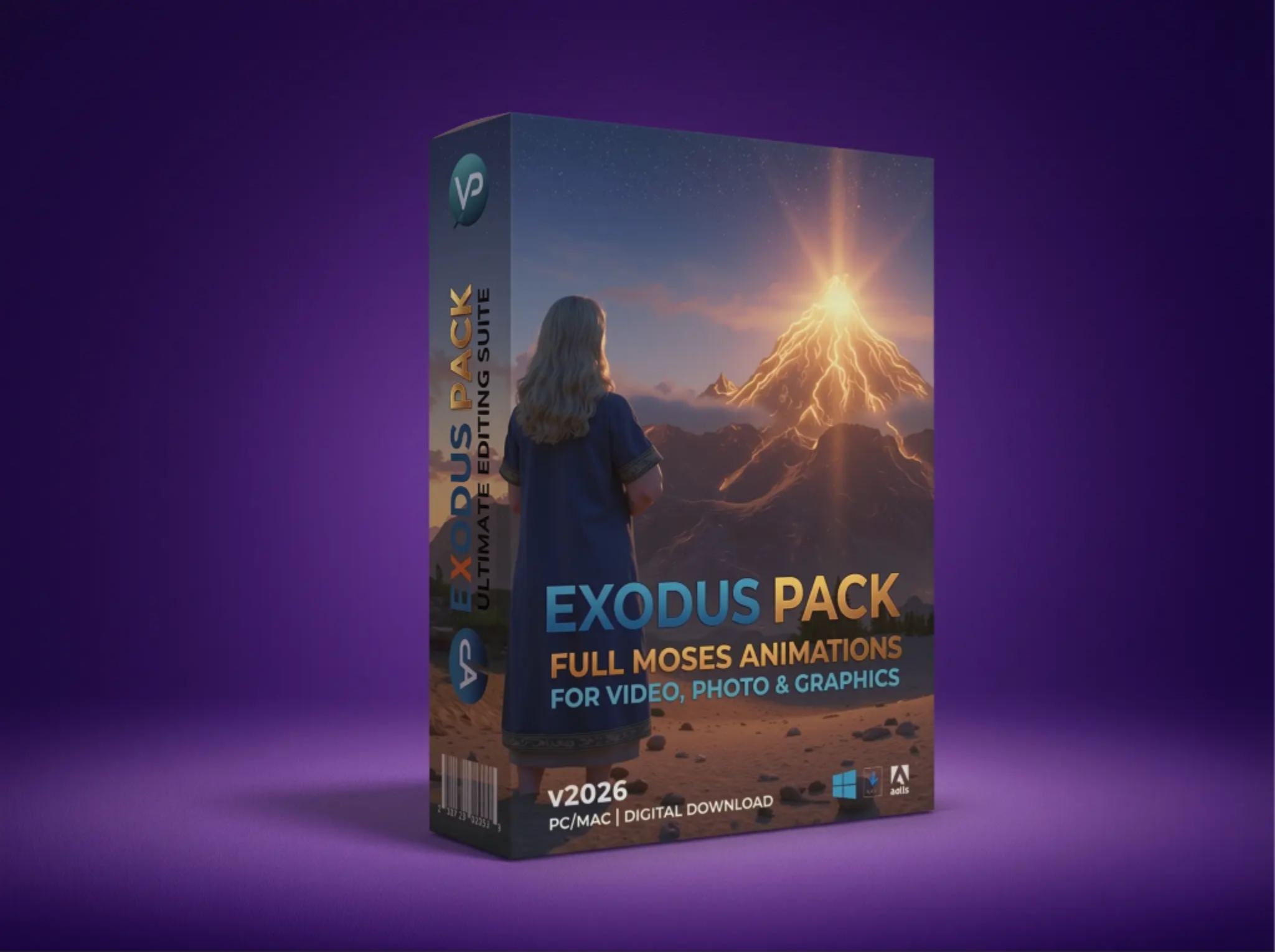
01

Understanding Your Pack

What's in the pack, how the files are organised, and how to plan your video before you open your editor. Most people skip this — and waste hours. Don't.

Exodus Pack — full contents overview
02

Choosing Your Software

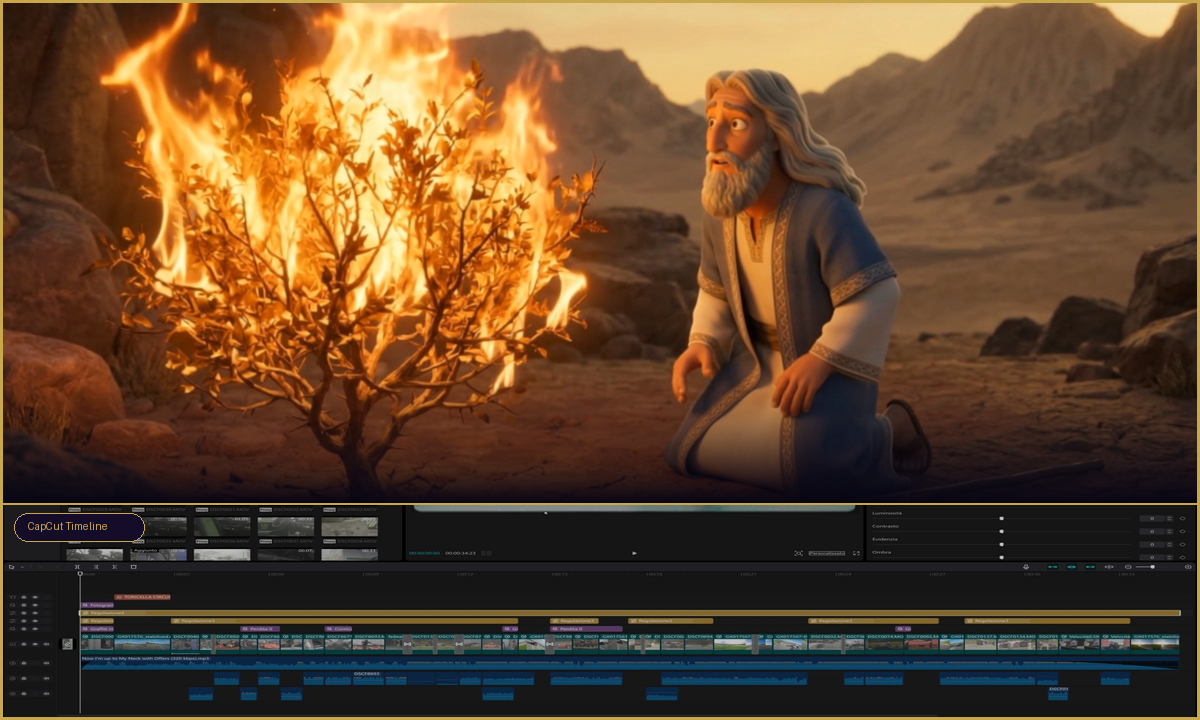
Side-by-side walkthrough of CapCut, iMovie, DaVinci Resolve, and Premiere Pro. We show you exactly where every button lives in each app — no guessing.

Moses scene loaded in CapCut timeline
03

Building Your First Scene

Import your clips, arrange your timeline, add transitions, and produce a professional-looking sequence from scratch. By the end of this module, you'll have a finished scene.

Baby Moses — first cinematic scene
04

How to Animate Any Scene

Pan and zoom, motion effects, layering, and the illusion of movement — how to make still frames feel cinematic and alive in any editor.

Parting of the Red Sea — cinematic animation
05

Getting Characters to Talk

Sync narration and dialogue to your characters so they feel alive. Lip-sync techniques, timing, and voice placement — even on a phone mic.

Pharaoh's Court — character dialogue scene
06

Music, Voiceover & Sound Design

Record your narration, choose background music, layer ambient sound, and mix everything to broadcast quality. Sound is 50% of the experience.

Life of Jesus — cinematic sound design scene
07

Extras & Weekly Workflow

Advanced techniques, platform-specific export settings, and a repeatable weekly system so you can produce a finished Bible video every single week.

Ten Commandments — finished cinematic production
The Transformation

This Is What the Masterclass
Does to Your Video.

Drag the handle to see the difference between raw footage and a finished, cinematic Bible scene.

After — cinematic edit
Before — raw footage
Before
After
← Drag to compare →
Before
Raw footage — flat, dark, no direction
After
Cinematic, colour-graded, broadcast quality
"

Go therefore and make disciples of all nations... teaching them to observe all that I have commanded you.

Matthew 28:19–20
Get the Masterclass

Everything You Need.
One Simple Price.

$29
One-time payment · No subscription · Instant access
7 in-depth video modules — from zero to finished movie
CapCut, iMovie, DaVinci Resolve & Premiere Pro covered
Step-by-step from blank timeline to professional video
How to animate still frames & create cinematic motion
Voiceover, music & sound design — even on a phone mic
Export settings for YouTube, Instagram & church screens
Repeatable weekly workflow system
Lifetime access — watch on any device, any time
Get the Masterclass — $29 →
🔒 Secure Checkout⚡ Instant Access📱 Any Device
Questions

Frequently Asked
Questions

Start Today

Your First Bible Movie.
Ready This Week.

The pack gives you the footage. The Masterclass gives you the knowledge. Together, you have everything you need to produce a finished, professional Bible video — starting today.

Get the Masterclass — $29Browse the Packs